-


Design System
Assets • Resources • Tutorials
Our Design Elements
Apart from the UW brand, we have the College of Business Design system. It goes deeper than just the brand kit. It contains elements and components and how to use them. It doesn't limit itself to main graphic assets—it's a guide to the entire design ecosystem of the brand.
This system defines our look and feel. It allows for us to distinguish ourselves from other universities, but also on campus. Institutions are noisy. Students are seeing massive amounts of information all of the time. We've crafted a design system that helps us stand out as a separate entity. It pulls elements that are unique to us and incorporated all around our building.
Our system boils down to 7 things within our design system that we should try to incorporate into our design projects, whether it's a document, social media post, video, etc.
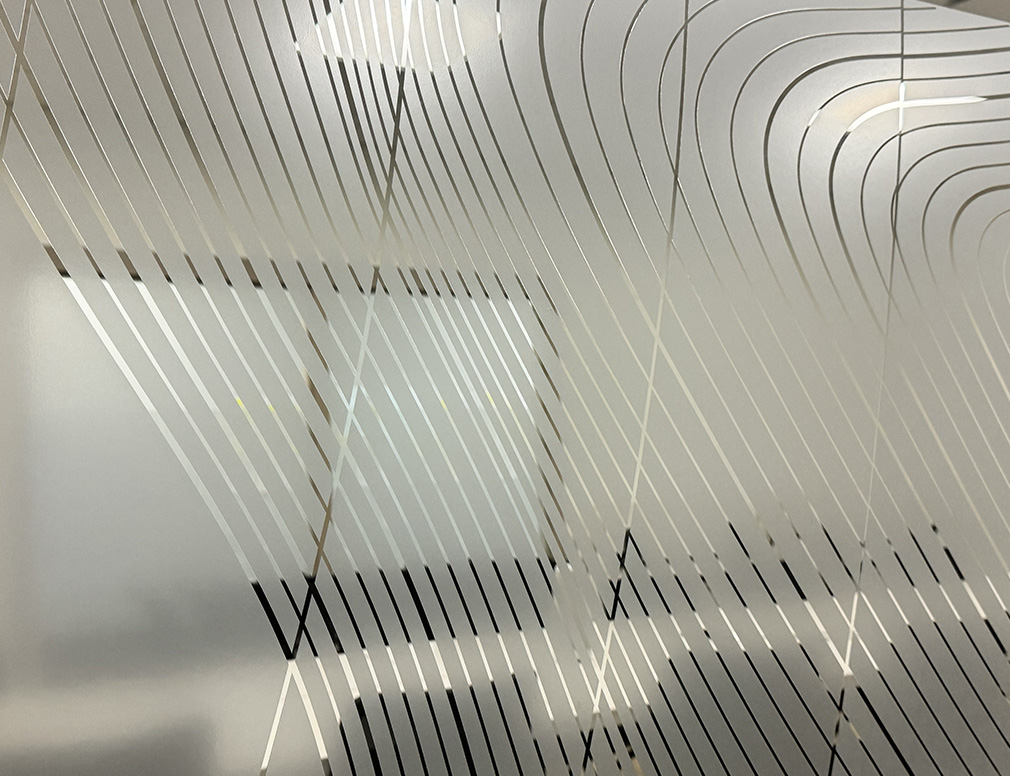
Glassmorphism
Translucent, frosted-glass-like elements that offer depth and dimension. Heavily inspired by it's use throughout our building, it adds sophisticatation and feels clean and modern.
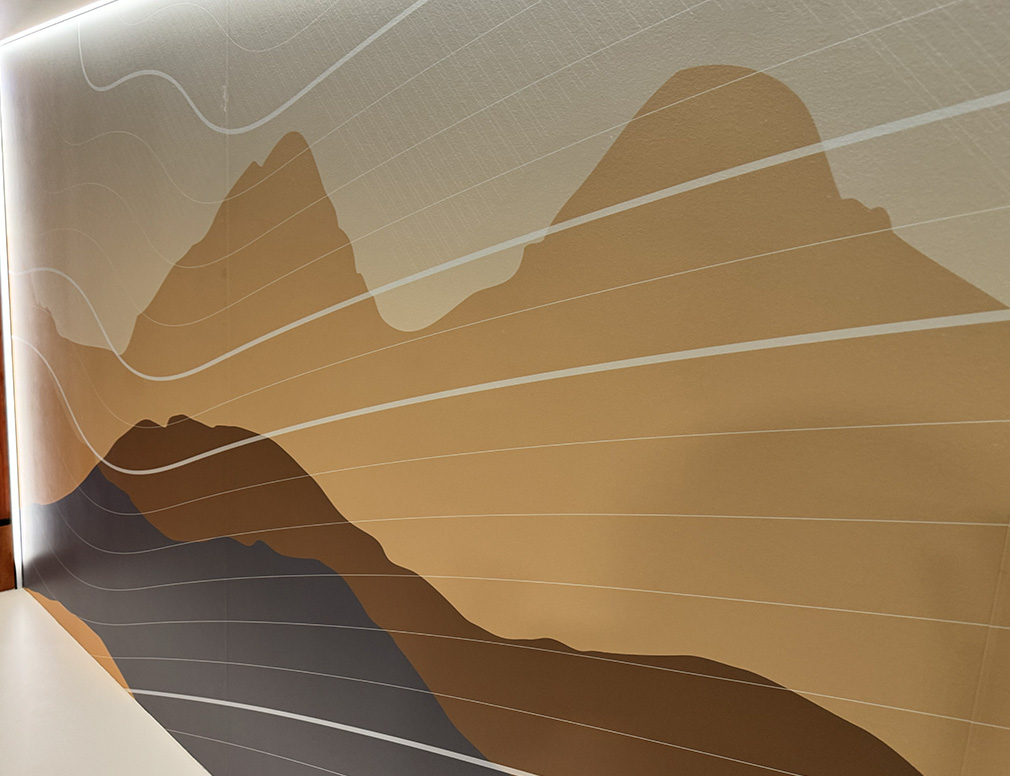
Elevation Contours
Uniquely us. We are one of the highest schools in the country and it nicely symbolizes the importance of elevating our education.
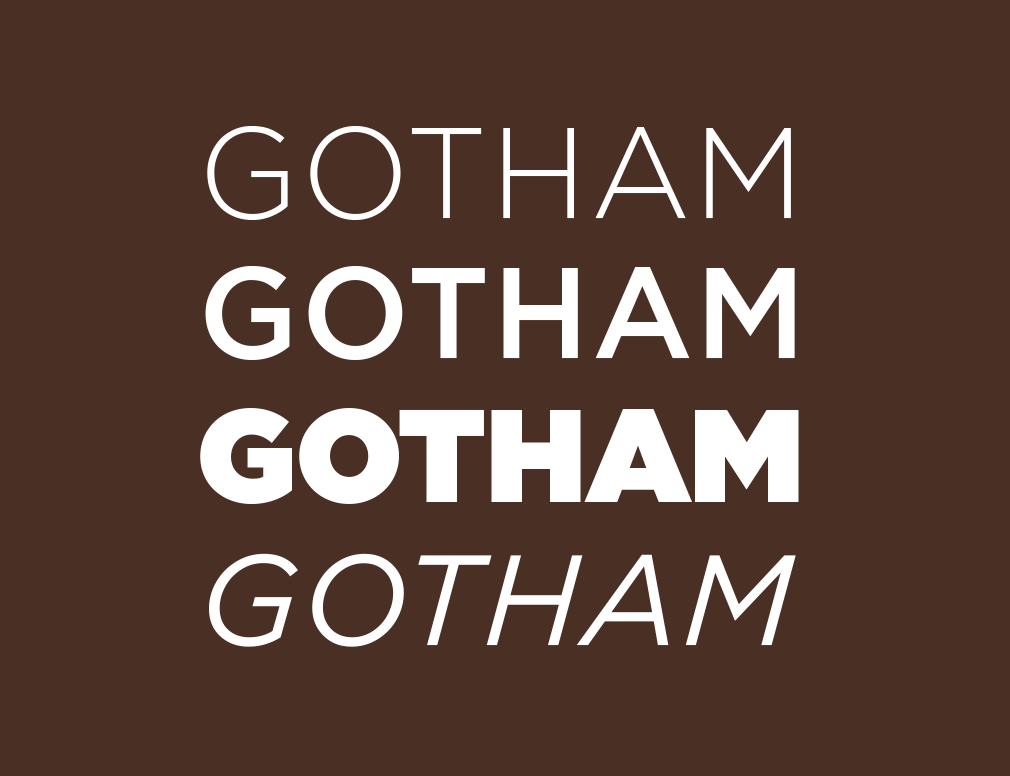
Bold Typography
Utilize bold, sans-serif fonts to convey authority and modernity. Our typographic choices are deliberate—crafted to be legible and impactful, ensuring our messages are not only seen but felt.
Depth of Field
By artfully positioning elements—some partially obscured, others in clear focus—we craft a sense of depth. This technique not only adds visual interest but also guides the viewer's eye through the design, creating a narrative that unfolds with each layer.
Interesting Imagery
The use of striking, high-quality photography is central to our design strategy. They are far from more captivating than plain backgrounds backgrounds. It helps tell a story and set a tone. Each image is chosen for its ability to evoke emotions and convey our brand's essence.
Sleek Minimalism
Designs that embody clarity and simplicity, ensuring that every element serves a purpose. Strip away the unnecessary, allowing our content to breathe and speak for itself. Leave wordy information for the caption or provide a link for more info.
Professional Quality
We are putting out business professionals, and we should convey that. Products should be high quality and well crafted.
Asset Downloads
Elevation Contour Pattern
Download the College of Business elevation contour pattern that is found throughout the building. Files include a transparent white png and editable svg.
DownloadFrosted Glass Textures
While it's preferred to create the frosted glass texture inside of your design program. Here are a few textures you can import into your designs for a similar aesthetic.
DownloadLogos
Visit the University of Wyoming branding center to download approved department or unit logos
Visit HerePowerPoint Review
Review the branding seminar put on in January and view more examples of how to incorporate the brand design system.
DownloadPhotos
The basis of our design system is impactful imagery. Any UW employee can access the official Institutional Marketing photo database by visiting.
IM DatabaseNeeding something more specialized to the College of Business? We also run a NAS directory which you can map to your computer on campus. Email the Marketing Manager directly for details on how to connect.

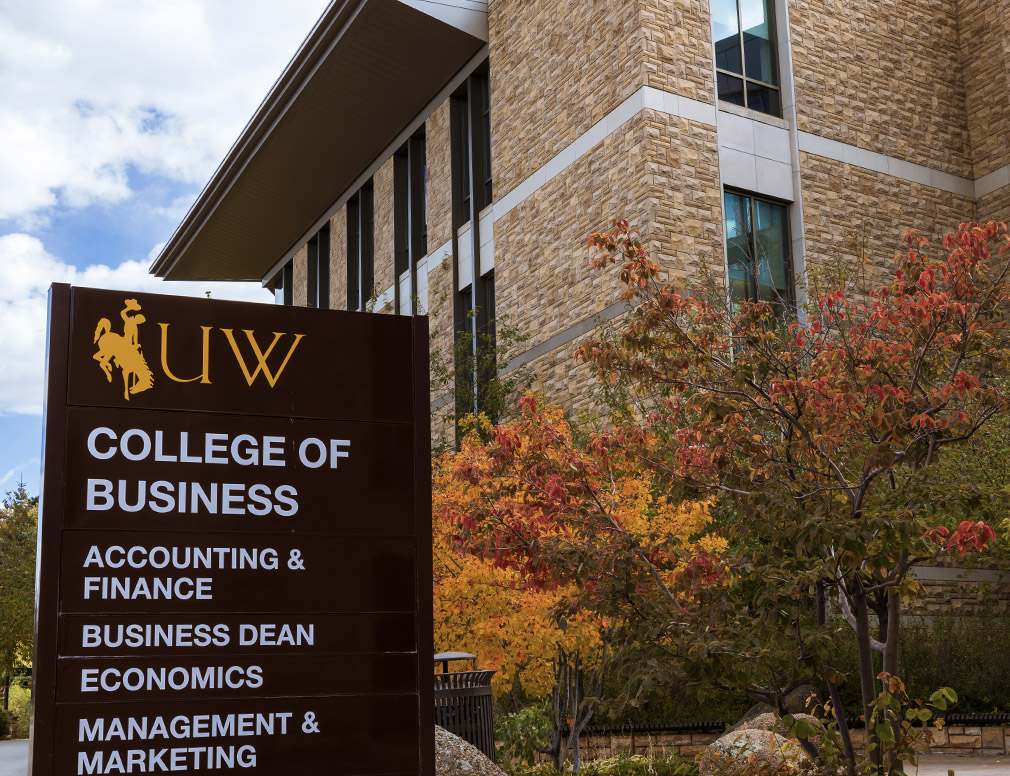
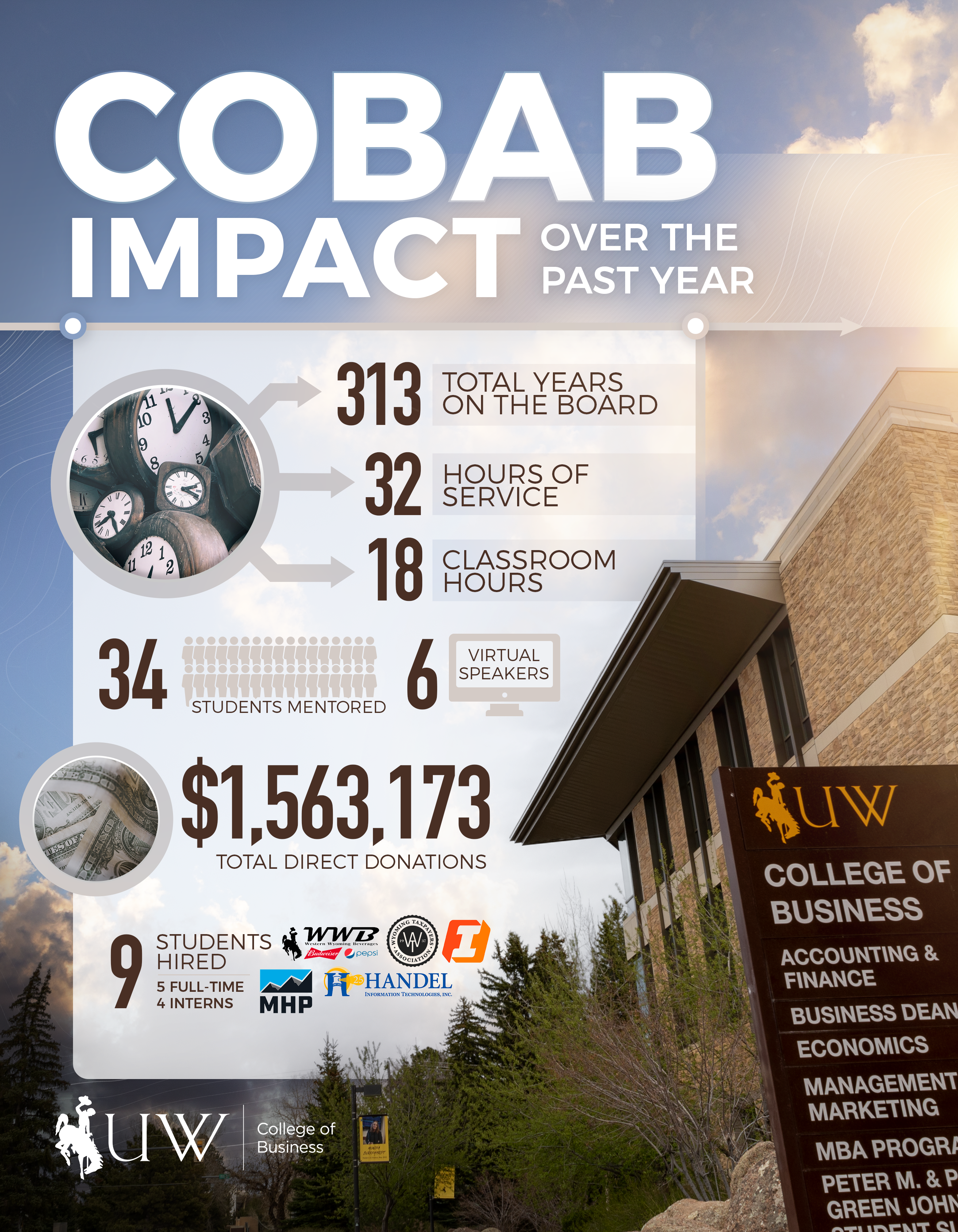
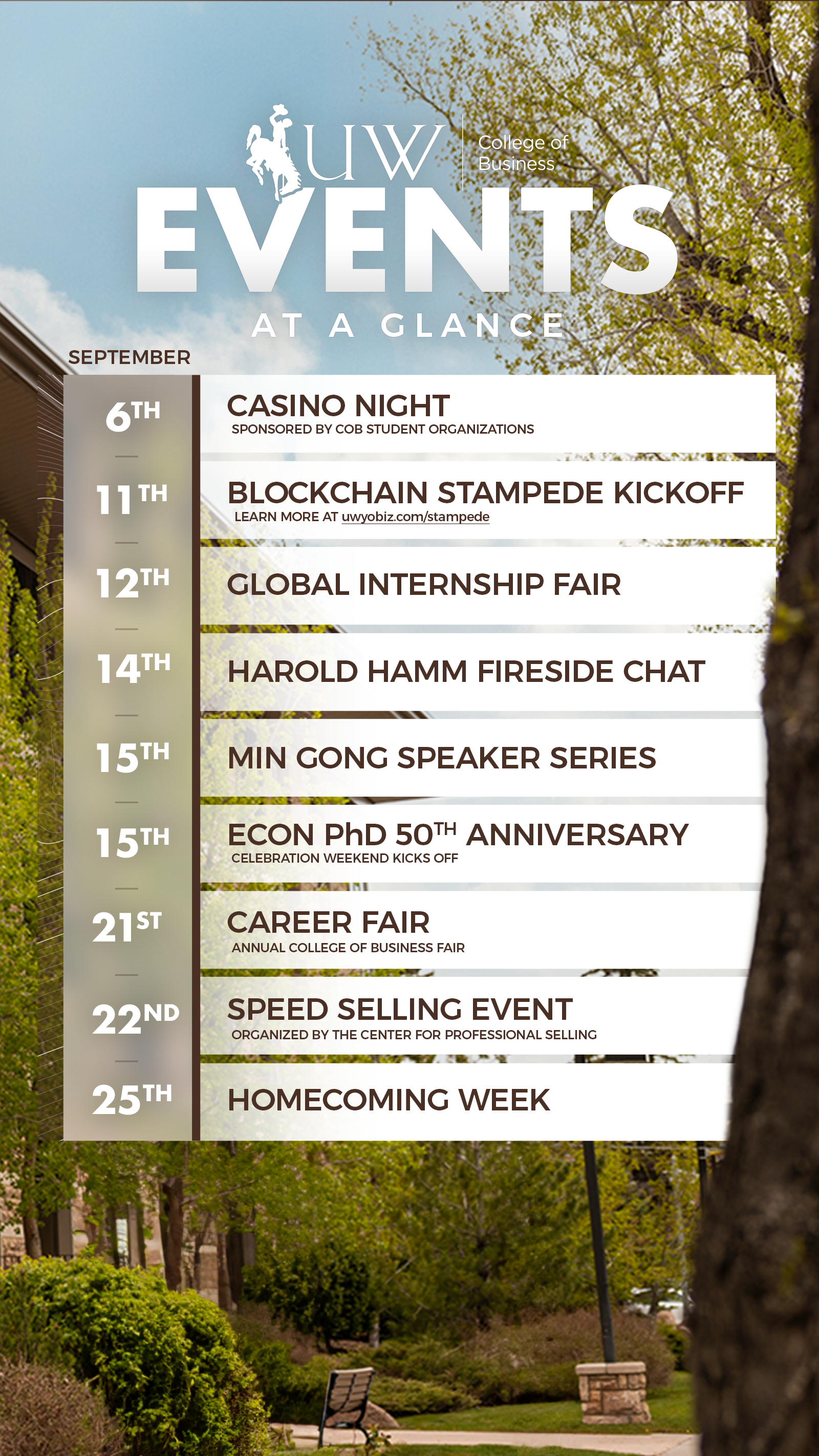
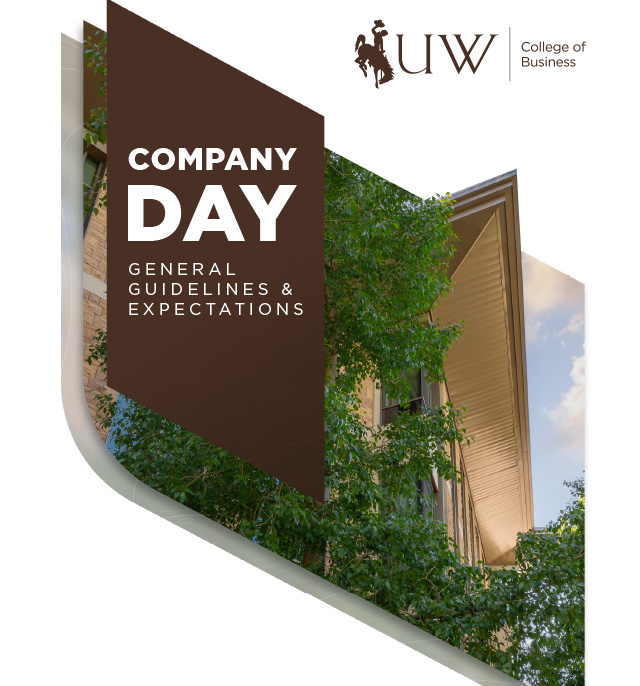
Examples
View some examples of how the College of Business brand design has been implemented in real world projects. More examples available upon request.






Tutorials
Working on a project but need a little help? Check out some of the following curated tutorials playlists that can help you get going. Figma is a great resource which is free for students of the University and contains plugins that make it easy to implement glassmorphism effects.